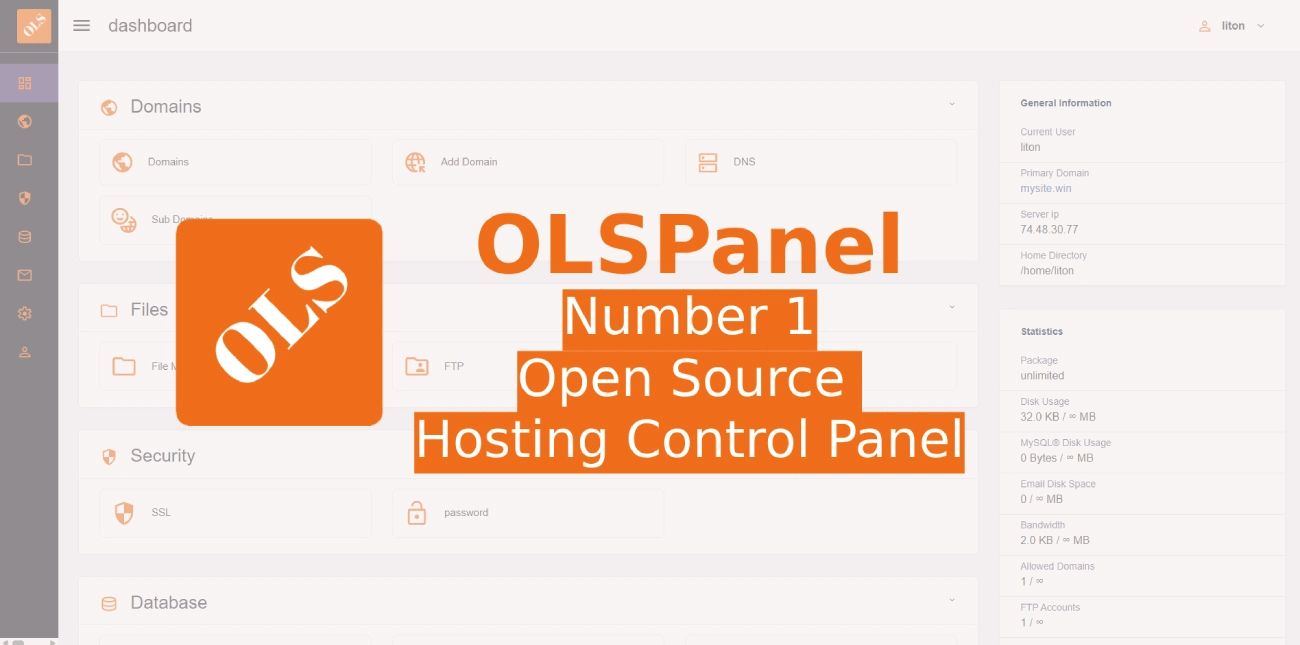


🌟 Features of our hosting control panel – OLSPanel
When it comes to running your website, nothing beats having tools that are both powerful and easy to use. In this article, we’ll explore the features that make OLSPanel truly special, and why it’s trusted by beginners and seasoned developers alike.
Demo Login Link

✅ OLSPanel Great Piece of Software
Today, website owners don’t just want hosting—they demand speed, simplicity, and powerful tools. That’s where OLSPanel comes in. Built specifically to make WordPress hosting a breeze, this control panel comes packed with intuitive features. From 1-click script installs to advanced PHP selectors, OLSPanel combines flexibility with unmatched performance.
🚀 What Makes OLSPanel Exceptional?
Let’s dive into the standout features that make free wordpress hosting – Features of our hosting control panel – OLSPanel such a game-changer.
⚙ Easy-to-Use User Interface: Simplicity Meets Power
With OLSPanel, managing your WordPress hosting becomes effortless. Its user-friendly interface is designed so that even those new to web hosting can navigate confidently. Menus are logically arranged, tasks like creating backups or installing scripts are just a few clicks away, and everything feels intuitive.
📦 30+ Scripts 1-Click Installer: Launch Faster
Building a website from scratch? Thanks to OLSPanel’s built-in 1-click installer, you can deploy over 30 popular scripts instantly. Whether it’s WordPress, Joomla, or PrestaShop, your site is up and running within minutes—no technical wizardry required.
⚡ Very Fast and Responsive Experience
A control panel shouldn’t slow you down. OLSPanel is built for speed, so every page loads instantly. Whether you’re uploading files, editing code, or managing databases, you’ll notice just how fast and responsive it feels.
🛠 Advanced Technical Features of OLSPanel
Beyond simplicity, free wordpress hosting – Features of our hosting control panel – OLSPanel delivers serious tools that developers and power users crave.
🔧 PHP Selector: Choose from PHP 7.4 to 8.4 Easily
Need to switch PHP versions? OLSPanel makes it effortless. Choose from PHP 7.4 all the way to 8.4 in seconds. This flexibility ensures your site stays compatible with the latest frameworks and plugins.
🔄 Backup Configurator: Peace of Mind for Your Data
Backing up your website shouldn’t be complicated. With the built-in backup configurator, you can schedule automated backups, choose what to back up, and restore data whenever you need—all in a few clicks.
✏ Fast, Intuitive Code Editor for Developers
Developers will love OLSPanel’s integrated code editor. It’s lightweight yet powerful, with syntax highlighting and instant saves. Make quick edits to your scripts without switching tools.
📁 File Manager: Effortless File Management
Uploading and managing files becomes seamless. The file manager supports drag-and-drop, file previews, and direct edits, making it as easy to use as your computer’s file explorer.
🌱 Benefits for WordPress Beginners & Advanced Users
🏆 Why Beginners Love It
- No complex setup: Get online in minutes
- User-friendly tools: Install WordPress, create backups, and manage files easily
- Clear menus and help documentation
🧰 Why Developers Prefer It
- Quick PHP switching for testing
- Fast code editor built-in
- Advanced configurations without complex terminal commands
🔗 Integration with Modern Tools & Workflows
OLSPanel isn’t just for WordPress—it integrates smoothly with other tools you might need. Whether it’s connecting Git repositories, working with databases, or deploying staging sites, you’ll find it streamlined and efficient.
🧪 Security & Performance Advantages
Security isn’t optional. OLSPanel supports SSL installation, firewall configuration, and regular security updates. Combined with its lightweight architecture, your WordPress site stays secure and performs at lightning speed.
🌍 Thanks to olspanel.com for Innovation & Updates
Special thanks go to olspanel.com for continuously developing and updating this fantastic software. Their commitment ensures OLSPanel stays at the cutting edge of hosting technology.
📊 How to Get Started with free wordpress hosting – Features of our hosting control panel – OLSPanel
1️⃣ Visit www.wpineu.com
2️⃣ Sign up for free WordPress hosting
3️⃣ Access OLSPanel and explore its intuitive tools
4️⃣ Launch your website faster than ever before!
❓ FAQ
Q1: Is OLSPanel really beginner-friendly?
Yes! It’s designed so anyone can use it—even without technical skills.
Q2: Can I install other CMS besides WordPress?
Absolutely! You can install Joomla, PrestaShop, and more using the 1-click installer.
Q3: How often should I back up my website?
With the backup configurator, you can set daily, weekly, or monthly backups depending on your site’s activity.
Q4: Is it free forever?
Yes, wpineu.com offers genuinely free WordPress hosting, perfect for small projects and testing.
Q5: What PHP versions can I use?
You can easily select PHP 7.4 up to 8.4 with just a click.
Q6: How secure is OLSPanel?
Very secure—regular updates, SSL support, and firewall integration help protect your site.
📝 Conclusion: The Future of WordPress Hosting
free wordpress hosting – Features of our hosting control panel – OLSPanel isn’t just another hosting solution. It’s a blend of speed, simplicity, and developer power—built for anyone who wants to manage WordPress sites without headaches. Thanks to the work by olspanel.com, hosting has never felt so easy and powerful.
Leave a Comment